Fix
De'Longhi bean-to-cup problems and fixes
Published
Note: This page contains affiliate links. If you buy through them we may earn a commission at no extra cost to you. Learn more
In short
Most De'Longhi bean-to-cup problems are cleared by refilling, emptying or cleaning something: the water tank, the grounds container, the drip tray or the brew unit. Watery coffee usually means a coarse grind or low strength setting, and a grinder that runs without coffee often has beans bridging in the hopper. Descale when the machine asks. Your manual lists what each light means on your model.
Products for this job
Compare all 8 productsMagnifica Plus: 18 drinks, 4 profiles
Check price on AmazonAffiliate linkRivelia: two hoppers, 16 drinks, Bean Adapt
Check price on AmazonAffiliate linkMagnifica Evo Next: 13 drinks, colour touch display
Check price on AmazonAffiliate link
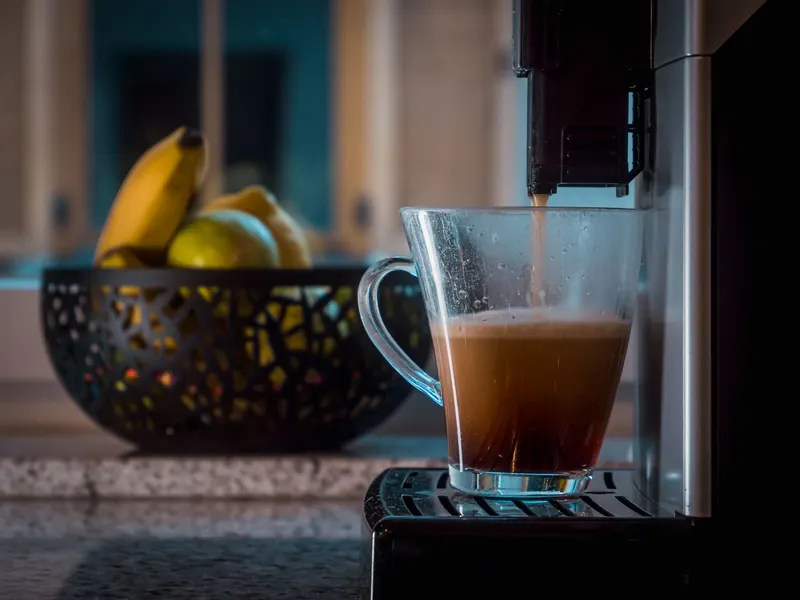
De'Longhi's Magnifica, Dinamica and Eletta ranges share a similar layout: a bean hopper with an adjustable burr grinder, a removable brew unit behind a side door, a drip tray and grounds container at the front, and a water tank. Many faults show as a warning light or message rather than a broken part. This guide covers the common ones and what to try first. Light symbols and button names differ by model, so match them against your manual.
Common warning lights and messages
Most warnings simply ask you to do something. The table below covers the usual ones on many models. Some machines show text, others show icons or flashing lights, so check the manual for your exact model.
| Warning | Meaning | What to do |
|---|---|---|
| Water tank | Tank empty or not seated | Refill and push tank fully home |
| Grounds container | Container full or not fitted | Empty grounds and drip tray together |
| Insert brew unit | Brew unit missing or not locked | Refit brew unit, close the door |
| Descale | Descale cycle due | Run descale with De'Longhi descaler |
| Grind too fine | Coffee coming out too slowly | Turn grinder a step coarser while grinding |
| Add beans | Hopper empty or beans bridging | Refill, stir beans with a spoon |
Note:Switch off and unplug before reaching inside the brew unit door or the bean hopper.
Watery or weak coffee
Thin coffee usually has a simple cause. The aroma or strength setting may be low, the cup volume may be set high, or the grinder may be too coarse for the beans. Try a stronger setting and a smaller cup first.
De'Longhi's manuals typically say to adjust the grinder only while it is running and by one step at a time, then make a few coffees before judging. Grind finer for fuller coffee; go coarser if coffee drips slowly or the machine warns it is too fine. Old beans and very oily dark roasts also give weaker results. If a coffee comes out with no grounds used at all, check the pre-ground coffee funnel lid is not open.
Brew unit faults
The brew unit compresses and brews each dose, and it can stick if coffee builds up on it. De'Longhi recommends rinsing it under lukewarm water regularly. Most manuals say not to use washing up liquid or put it in the dishwasher.
- 1
Switch the machine off with the power button and unplug it.
- 2
Open the side door and remove the drip tray and grounds container.
- 3
Press the release buttons and pull the brew unit out.
- 4
Rinse under lukewarm water and let it air dry.
- 5
Brush out the space inside the machine and clear the coffee chute.
- 6
Check the unit is in its rest position as the manual shows, then refit until it clicks.
- 7
Close the door and refit the tray and container.
Grinder not working
If the grinder runs but no coffee comes out, beans may be bridging over the burrs, especially oily beans. Stir them with a long spoon. A hopper running low also triggers the add beans message on many models. If the grinder is noisy and clicks, a stone or foreign object may be in the burrs: unplug, empty the hopper and vacuum it out, but do not put fingers near the burrs.
Never put pre-ground coffee or instant coffee in the bean hopper. It can clog the grinder. Use the separate pre-ground funnel if your model has one. A grinder that stays silent with beans present needs De'Longhi support.
Leaks, descaling and when to get help
Water under the machine usually comes from an overfull drip tray, a tank not seated, or the brew unit not fitted correctly. Empty the tray more often and check the tank seal. Run descaling when prompted using De'Longhi's descaler, which the manuals recommend, and see how to descale a De'Longhi Magnifica for the routine. Our hard water guide explains setting the water hardness so reminders come at the right time.
Contact De'Longhi support if the machine trips your electrics, leaks from inside, will not heat, or shows a fault that does not clear after cleaning. If you are thinking about a newer model, see De'Longhi bean-to-cup models compared and our best bean-to-cup coffee machines.
Frequently asked questions
Why is my De'Longhi coffee watery? The strength may be low, the cup size large or the grind too coarse. Increase the strength, reduce the volume and grind a step finer while the grinder is running.
How often should I rinse the De'Longhi brew unit? Many manuals suggest about once a week. Rinse in lukewarm water only and let it dry before refitting.
Why does my De'Longhi say grounds container when it is empty? The machine counts doses and expects you to empty the container with the machine switched on, so it resets the count. Check your manual for how your model resets.
My De'Longhi grinder is not working. What should I check first? Stir the beans in case they are bridging, check the hopper is not empty and listen for clicking that suggests a foreign object.
What you need
- Check price on AmazonAffiliate link
De'Longhi Magnifica Plus: LatteCrema Hot, 18 drinks
From: De'Longhi bean-to-cup models compared: Magnifica, Dinamica, Eletta and Rivelia
- Check price on AmazonAffiliate link
Philips 5500 LatteGo: 20 hot and iced drinks
- Check price on AmazonAffiliate link
Philips 3300 LatteGo: automatic milk on a budget